AI meeting assistants are useful, but I have always been a little hesitant about sending a recording of a private conversation to someone else’s servers. Especially when the conversation contains client details, product ideas, or anything else that was not meant to leave the room.
And that’s where this free and open-source app called Yogurt comes in handy. It is an AI meeting notes app that keeps the whole process on your computer. In other words, an open-source alternative to Granola.
Yogurt doesn’t join your meetings as another participant. Instead, it records the microphone and the audio playing on your computer, so nobody else on the call needs to install anything or invite a bot into the meeting.
Here’s how it works.
You start a call as usual, and Yogurt transcribes the conversation as it happens. You can also jot down your own thoughts while the call is in progress—something important that you don’t want to lose in the transcript, for instance.
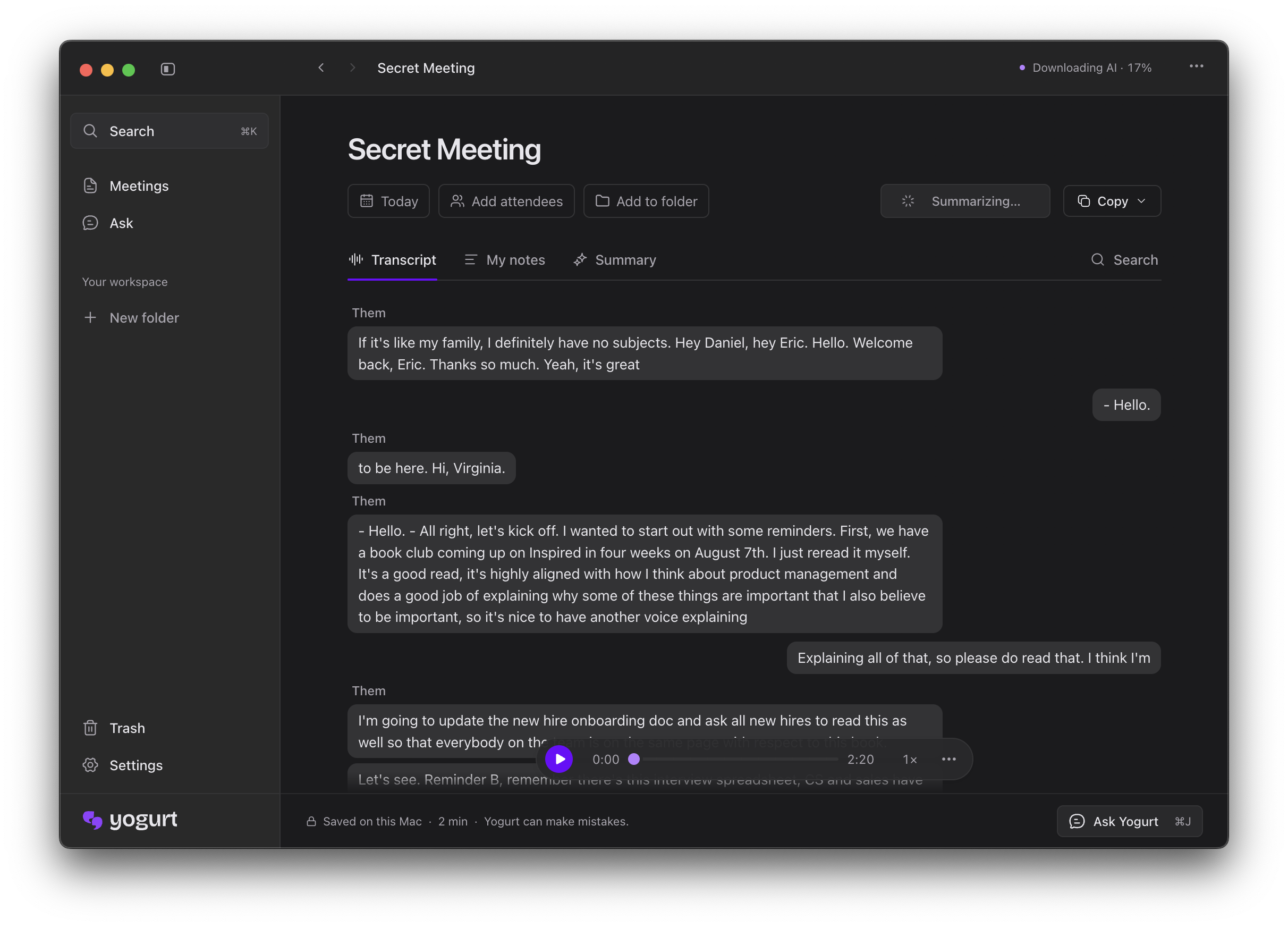
Once the call is over, Yogurt combines the conversation and your notes into one set of meeting notes. This is useful because the best context from a meeting is not always something that was said out loud. Sometimes it’s the quick reminder you typed for yourself while everyone else was talking.
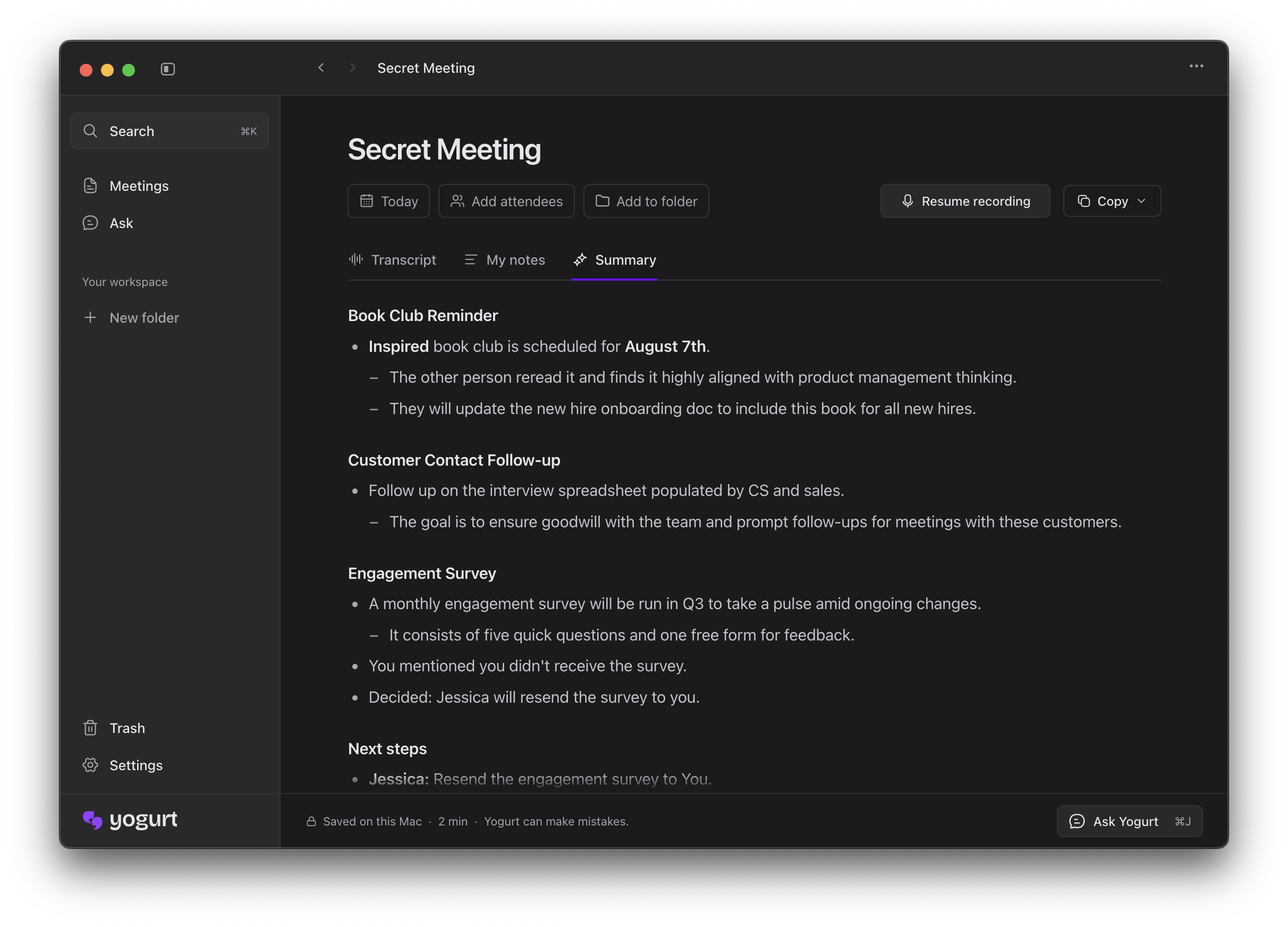
You can then ask questions about the meeting, such as when something is launching or who said they would take care of a task. Yogurt answers from the transcript and keeps the original conversation close by, so you can check the context when you need to.
The part I like most is the privacy model. The audio, transcript, and meeting notes are kept together in a folder on your computer, and the AI runs locally. Your recordings, transcripts, and notes are never uploaded. After the one-time download of the AI models, transcription and summaries can also run offline.
Yogurt is free and released under the MIT license, which is a nice bonus for an app that handles such personal information. The source code is available on GitHub as well.
There are a couple of things to keep in mind. On the Mac, Yogurt requires Apple silicon and macOS 14.4 or newer, along with at least 8 GB of memory. It also needs access to the audio playing on your computer to record a call, so you will have to grant the relevant permissions during setup. Calendar and speaker-name support are currently Mac-only.
Still, if you want meeting notes without sending your conversations to a cloud service, Yogurt looks like a pretty compelling option. It has the convenience of an AI meeting assistant while keeping the data where it belongs—in your own computer.
→ Try Yogurt